How to Turn a Photo into a Coloring Page on iPhone
Kids love coloring things they recognize. A picture of the family dog, their favorite toy, or grandma's house is far more exciting than a generic cartoon. The good news: you can turn any photo into a coloring page right on your iPhone in a few seconds — no printer, no scanner, no desktop software.
The easiest way (on your phone, in seconds)
Apps with a built-in photo-to-coloring converter do all the work for you. Here's how it works in Adam's Colors:
- Tap the camera button at the top of the screen.
- Take a photo or choose one from your library — a pet, a toy, a face, anything.
- The app runs the image through an edge-detection algorithm that finds the important outlines and turns them into clean, colorable lines.
- In about two seconds, you get a coloring page based on your photo.
- Your child colors it in — and you can share the result or a time-lapse video.
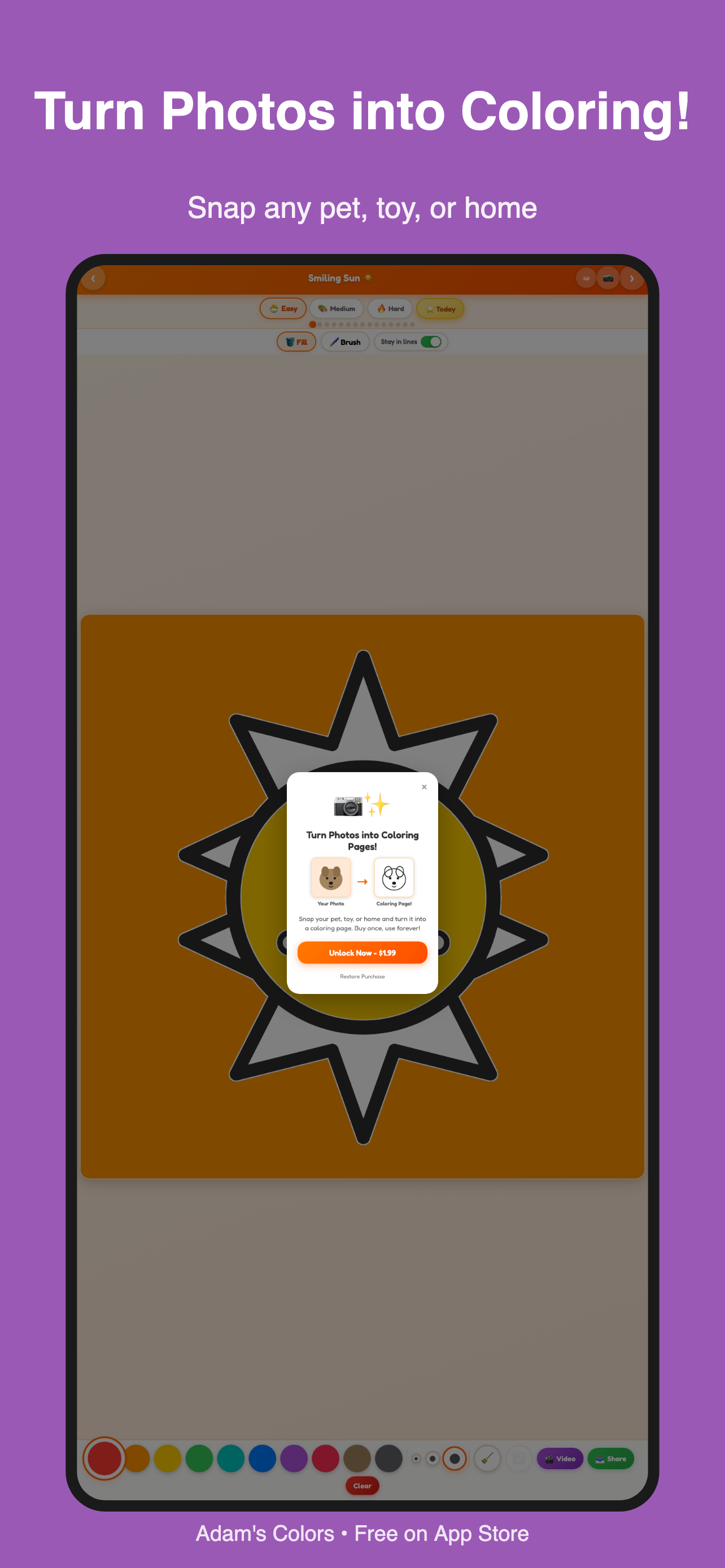
In Adam's Colors, the first photo conversion is free, so you can try it before deciding. The full feature is a one-time $1.99 — no subscription.
Try it free on the App StoreTips for the best results
- Use a clear, well-lit photo. High contrast between the subject and background produces cleaner lines.
- Simple subjects work best. A single pet or face converts better than a busy, cluttered scene.
- Get close. Fill the frame with your subject so the important details become the outlines.
Why this beats printing
The old way — find a coloring page online, print it, hope you have ink — is slow and wasteful. Converting a photo on your phone is instant, free of paper, and personal. And because the coloring happens in the app, you also get the "stay in the lines" smart fill, undo, and the ability to start over as many times as your child wants.
Whether it's a rainy afternoon, a long car ride, or a waiting room, turning a photo into a coloring page is a tiny bit of magic that keeps kids happily creative.